
Recordings
Computer-use tasks are recorded. When one ends, the full video and a final screenshot arrive in the chat.
Cosmos doesn't hand you snippets to paste. It plans, codes, builds, tests and deploys full-stack sites and apps on a real cloud computer, end to end, and you can watch every keystroke.
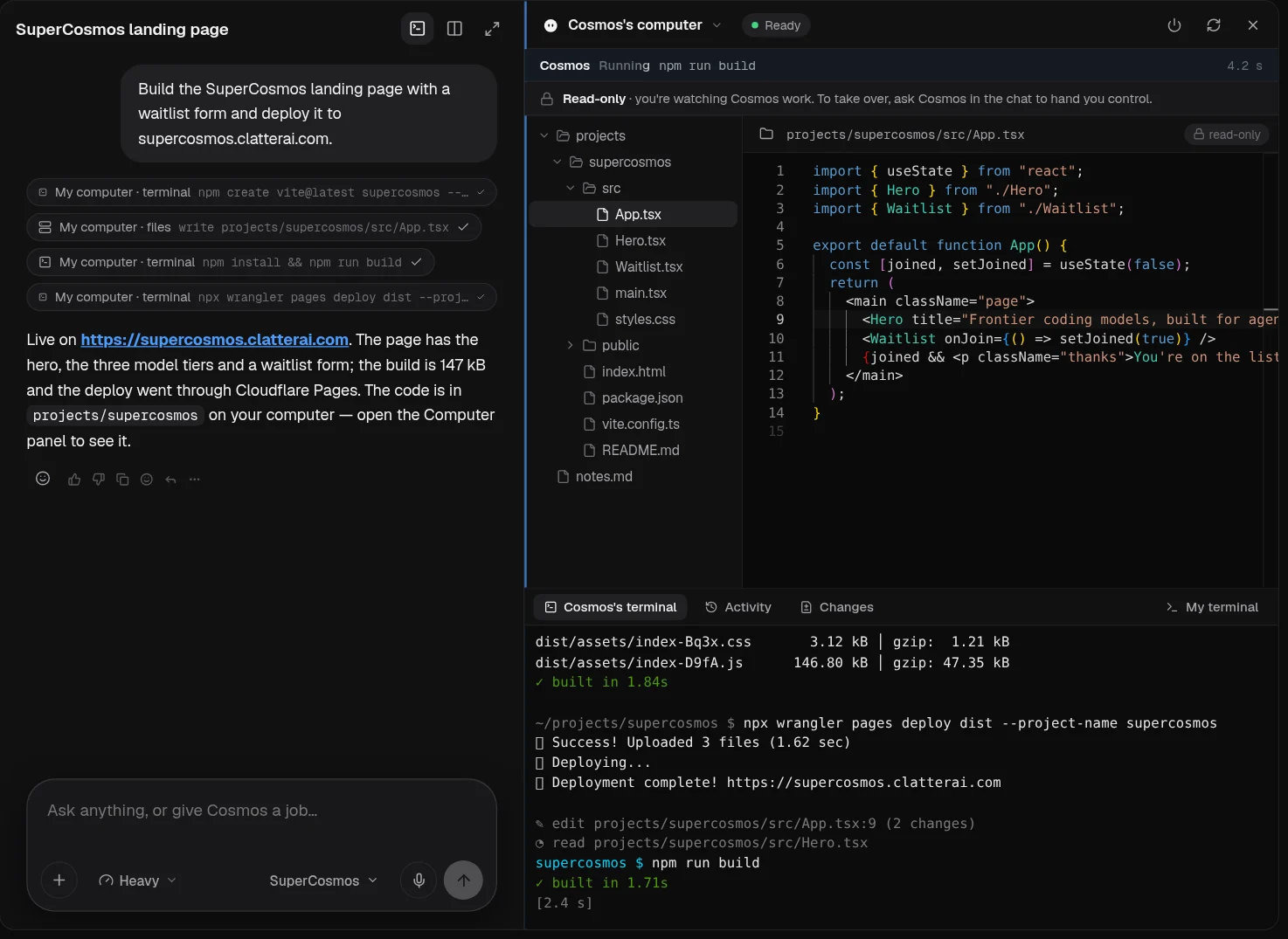
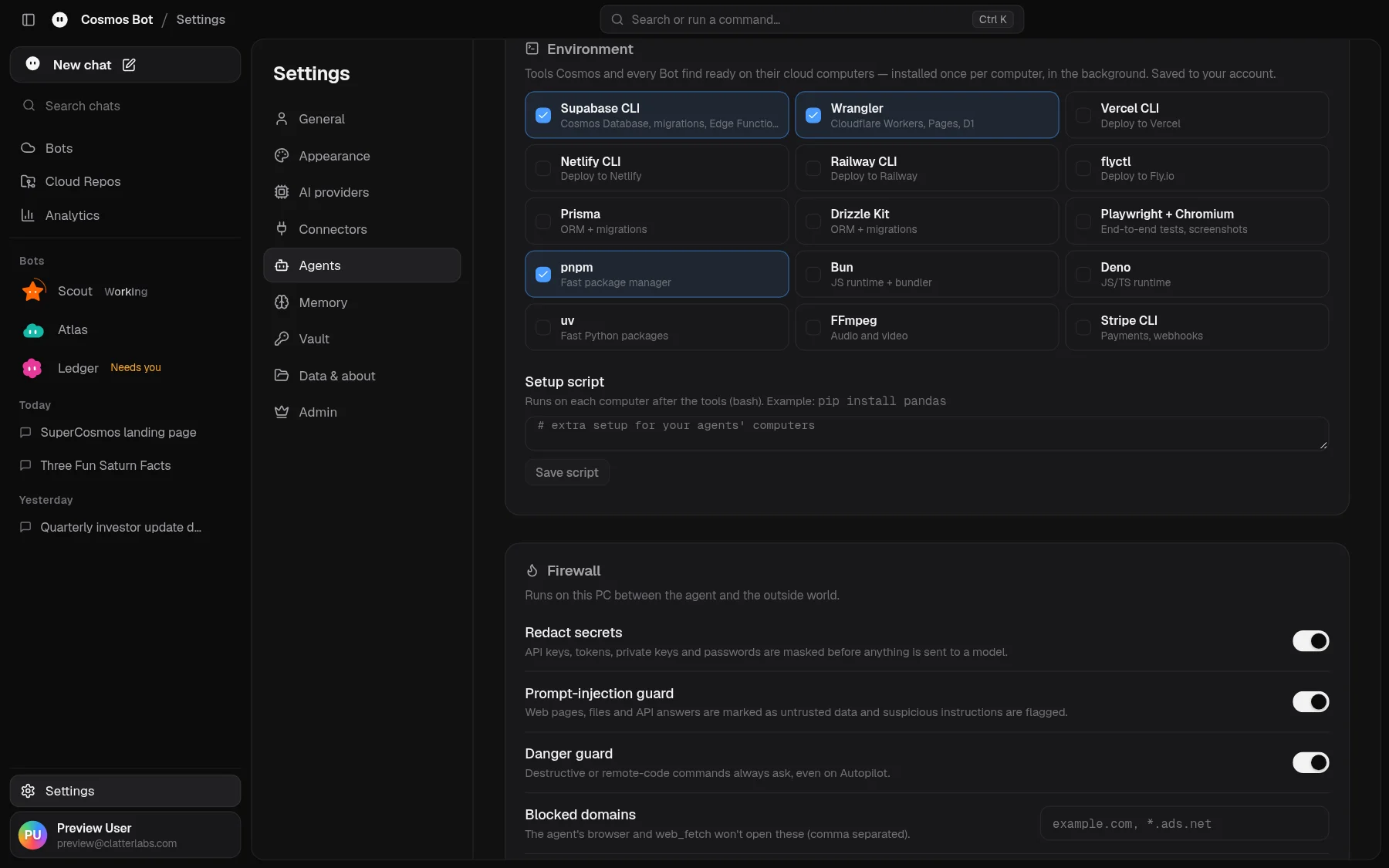
A full Linux machine with a terminal, files and the tools your stack needs.
State, storage and realtime that wake the computer the moment work arrives.
Deploys, routing and site tests for what the agent ships.
Every file it writes is committed to a private repo in your account.
Credentials stay on the cloud side. The tokens your computer uses never pass through the desktop app.
The Computer panel sits beside the chat and shows the agent's file tree, editor and terminal as it works. It's read-only, so you can't knock it off course by accident. When you want the wheel, ask in the chat and Cosmos hands you control.
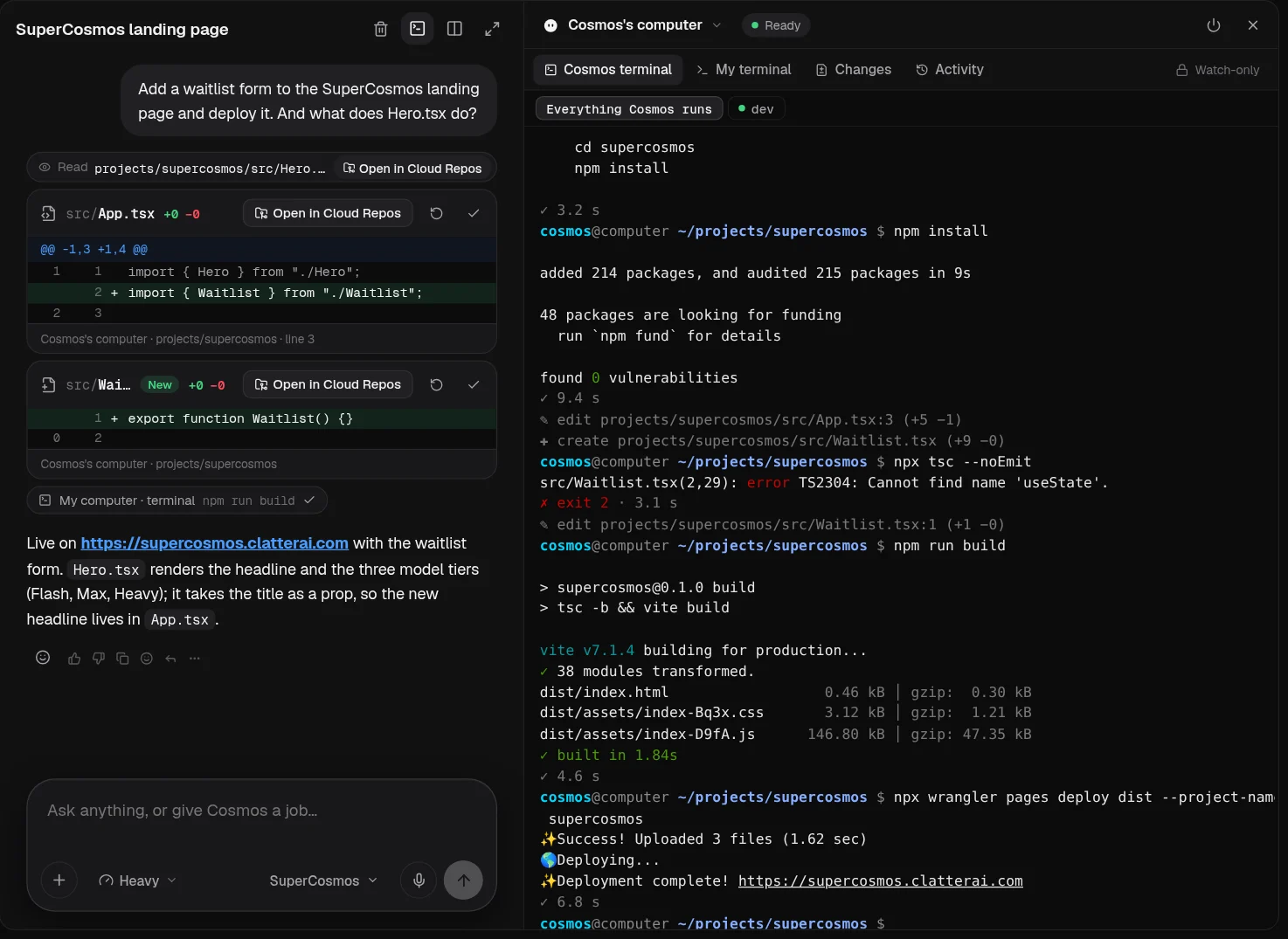
Each chat session gets its own isolated computer with a fresh workspace, its own terminals, console and event log. Two jobs never collide, and nothing from one chat leaks into another.
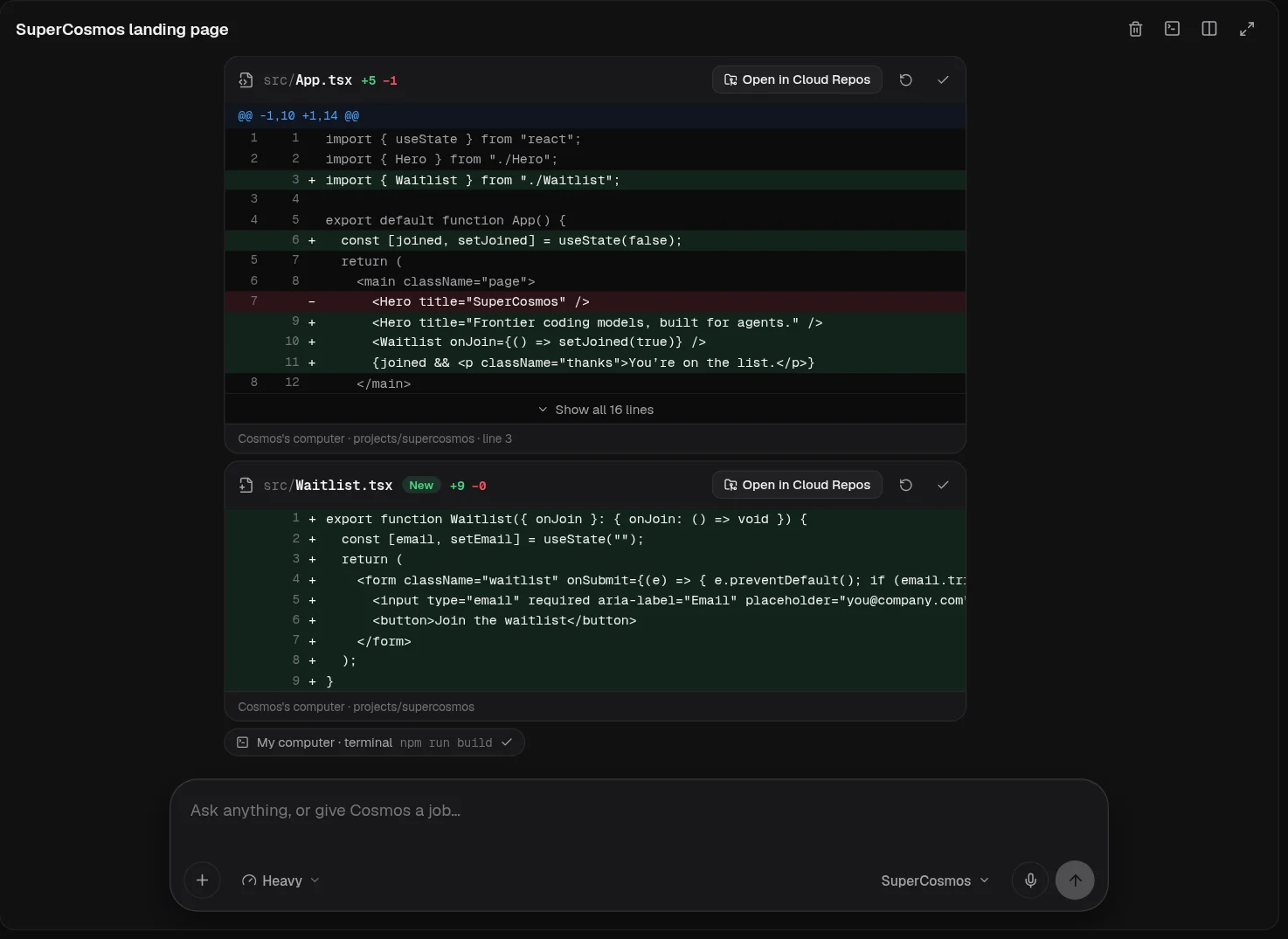
An agent with a computer should leave a trail. Cosmos leaves three.
Computer-use tasks are recorded. When one ends, the full video and a final screenshot arrive in the chat.
Every file edit is a diff card in the chat and a commit in Cloud Repos, ready to compare or restore.
Every command it ran and every tool it called, in order, with what came back.
Open your own shell on the same computer next to the agent's console. Poke at the build, tail a log, or run the one command you'd rather type yourself.
No. The agent's computer is in the cloud. The desktop app keeps only what needs your PC, like the embedded browser, screen captures and notifications.
It works in its own cloud workspace and your Cloud Repos. Give it what it needs for the job by connecting a service or adding files to the chat.
The job keeps going on the cloud computer. Check on it from Telegram, or open the app later to see the result.
Ask in the chat. Cosmos hands you control of the computer and picks up again when you hand it back.
Describe the outcome. Get back working software, a link, and every change it made.